100-javascript-projects


🚀 100 JavaScript Projects for Beginners to Intermediate Developers
Welcome to the 100 JavaScript Projects repository — your ultimate resource for mastering JavaScript through hands-on, real-world projects.
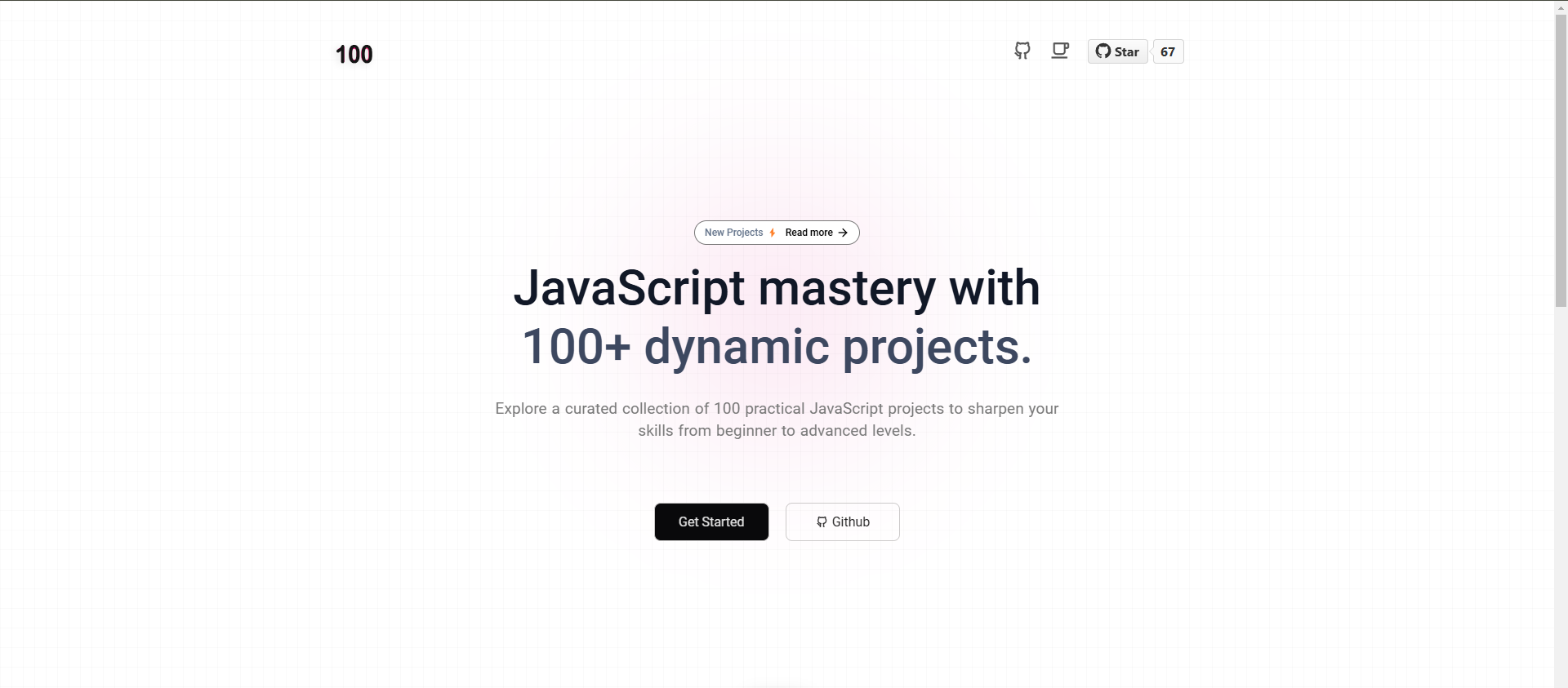
This curated collection is designed to help you improve your frontend development skills using HTML, CSS, and vanilla JavaScript, without relying on frameworks. Whether you’re a complete beginner or an aspiring frontend developer, this repository is your perfect playground to build, learn, and grow.
📚 About This Repository
Inside this repository, you’ll find:
✅ 100 unique JavaScript projects, organized by difficulty
✅ Clean, well-documented source code for every project
✅ A focus on modern JavaScript practices (ES6+)
✅ Real-world application logic to prepare you for job-ready coding
Projects cover a wide range of use cases and concepts, including:
- 🖼️ DOM Manipulation
- 🎯 Event Handling
- 🌐 API Fetch & Integration
- ⏱️ Asynchronous JavaScript (Async/Await, Promises)
- 🧠 Data Structures & Algorithms
- 💾 Browser Storage (LocalStorage, SessionStorage)
- …and much more!
Each project has its own directory with a dedicated README.md, complete source code, and index.html to run in your browser.
💡 Why You Should Build JavaScript Projects
“Tell me and I forget, teach me and I may remember, involve me and I learn.” — Benjamin Franklin
Building projects is the most effective way to learn JavaScript. Here’s why:
- ✅ Reinforces core JavaScript concepts through practical application
- ✅ Improves your coding confidence by solving real-world problems
- ✅ Helps you build a job-ready portfolio
- ✅ Boosts problem-solving and debugging skills
🛠️ How to Use This Repository
Follow these steps to get started:
# Step 1: Clone the repository
git clone https://github.com/pradipchaudhary/100-js-projects.git

# Step 2: Navigate into the directory
cd 100-js-projects

# Step 3: Open any project folder
cd 01-To-Do\ List\ App

# Step 4: Run the project
Open index.html in your browser
You can also explore and deploy the live version from the official website.
📝 Project Preview
| # | Project Name | View Code |
|---|---|---|
| 01 | To-Do List App | GitHub |
| 02 | Simple Calculator | GitHub |
| 03 | Digital Clock | GitHub |
| 04 | Tip Calculator | GitHub |
| 05 | Temperature Converter | GitHub |
| 06 | Random Quote Generator | GitHub |
| … | … | View All Projects » |
🧰 Tech Stack
These projects are built using the following technologies:
- 🟨 JavaScript (ES6+) – Core language used in all projects
- 🟦 HTML5 – Semantic structure for each project
- 🎨 CSS3 – Styling using custom and minimal CSS
- 🌐 APIs – Integrated in several projects for dynamic content
🤝 Contributing
Have a cool idea or want to improve an existing project? Contributions are welcome! Here’s how to get involved:
# Step 1: Fork the repository
# Step 2: Create a feature branch
git checkout -b feature/your-feature-name

# Step 3: Commit your changes
git commit -m "Add new feature or fix"

# Step 4: Push to your branch
git push origin feature/your-feature-name

# Step 5: Open a Pull Request
Please follow the Contribution Guidelines for a smooth review process.
📄 License
This project is licensed under the MIT License.
Feel free to use, modify, and share it. See the LICENSE file for details.
📢 Contact
If you have any suggestions, questions, or feedback, feel free to reach out:
- 📬 Email: chaudharypradip678@gmail.com
- 💼 GitHub: @pradipchaudhary
🌟 Support & Share
If you find this repository helpful:
- ⭐ Star it on GitHub
- 🍴 Fork it to build your own version
- 📣 Share it with your developer friends and communities!
🚀 Start Building Today!
Improve your skills by building. There’s no better way to learn JavaScript than doing it yourself. So dive in, explore the code, and build something awesome!
Happy Coding! 💻